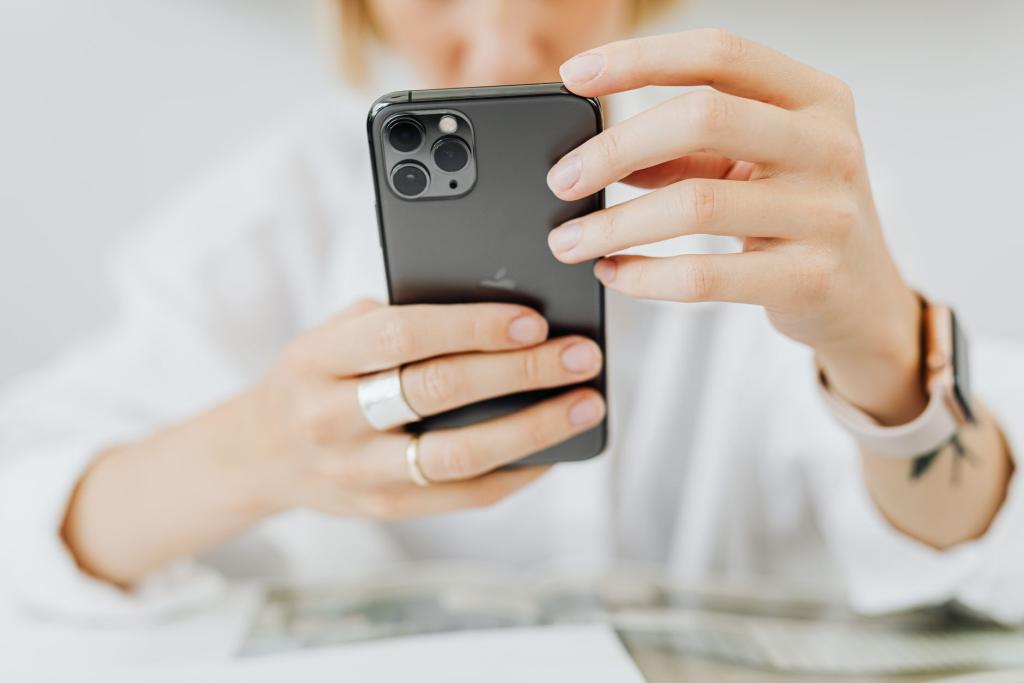
Most scam calls have one thing in common, and it is exactly what Apple's new iOS 27 scam detection feature is built to interrupt: the scammer is on the phone with you while it happens, coaching every tap. They walk you through moving your money into a so-called safe account, or resetting a password you never should have touched. That is precisely the kind of attack your iPhone was never built to stop, until now. Impersonation Risk Detection watches for the behavioral signs of a live social engineering attack and steps in before the money moves.
The catch: Apple ships it turned off. If you never open the right settings menu, you get none of the protection. That is a shame, because this is one of the most practical security features Apple has shipped in years, and the setup takes less than a minute.
How iOS 27 scam detection actually works
The feature does not try to identify scam calls the way a spam filter blocks robocalls. Instead, it lets supported apps ask your iPhone a single question at a sensitive moment: does this look like a scam in progress? When you send a payment, change a password, or alter critical account-security information inside an app, the app can request a risk assessment from iOS, according to Help Net Security's report on the launch.
Apple wrote in its support documentation that Impersonation Risk Detection "helps protect against active social engineering scams. In these scams, an attacker might pose as a bank, government agency, or someone you trust to pressure or guide you into making a payment or changing your account details." The company added that traditional security measures like two-factor authentication cannot always detect this kind of scam, because, as Apple put it, "you're taking the action, even though you've been tricked or pressured." The system returns one of three ratings: Unknown, Medium, or High. An Unknown rating means nothing suspicious was detected, though Apple is careful to note that does not confirm the action is safe.
The analysis happens entirely on the device. Apple says the system looks at device-use patterns such as the approximate number of calls and emails sent or received, interaction timing, context, and basic sensor data, but it does not analyze the contents of your Photos, Messages, or Mail. The app only receives the risk rating, never the underlying data, and Apple only learns what type of action prompted the request. How the app responds is up to the developer: it might show a warning banner, impose a short waiting period, or ask you to verify your identity before proceeding. The clever part is that this friction breaks the scammer's script. A fraudster on the phone has rehearsed answers for every normal screen, and the moment your phone throws in an unexpected delay, they have to improvise, which is usually when the victim realizes something is off.
How to turn it on
First, make sure your iPhone is running iOS 27, which arrived with this month's public release. Then open Settings, tap Privacy and Security, and look for Impersonation Risk Detection. Flip on Share with App Developers. Apple notes you may need to be signed into the App Store with your Apple Account to enable it.
That is the whole setup, but the menu has more useful detail. Apps that request an assessment appear under Recent Activity, where you can open Reasons for Access to see what each app asked about and revoke individual apps. Changes to the main setting or to an app's access can take up to a full day to take effect, so do not plan to enable it in the middle of a suspicious phone call.
Why bury such a useful feature behind an opt-in toggle? Privacy, mostly. iOS 27 scam detection involves the system watching how you use your phone in real time, and Apple clearly decided users should actively consent to that. Fair enough, but it also means nearly everyone who could benefit will never know it exists unless someone passes it along. While you are in the settings, it is also a good moment to revisit Apple's other lesser-known toggles, like the tricks collected in our rundown of hidden iPhone features, and the basics in our guide to phone battery hacks.
Why this matters more than you think
Social engineering scams are getting harder to spot, not easier. Cult of Mac reported that AI voice cloning keeps getting cheaper and more convincing, which means the next fake bank call might sound exactly like a real person from your actual bank. The numbers behind phone fraud keep climbing year after year, and the elderly and the time-pressed are the favorite targets. Features like iOS 27 scam detection matter because they attack the problem at the moment of payment rather than trying to predict which calls are malicious.
That said, a toggle is not a cure. An Unknown rating is not a safety guarantee, and a clever scammer can try to coach victims around on-screen warnings, which is why old habits still count. If anyone on the phone tells you to move money quickly or share a code, hang up and call the number printed on your card or the company's official site. Never act while the supposed bank employee is still on the line. A real bank will never ask you to empty an account over the phone. iOS 27 scam detection is a genuine upgrade to your defenses, but the strongest defense remains a pause between the scammer's urgency and your tap.
Comments 0
No comments yet. Be the first to share your thoughts!
Leave a comment
Share your thoughts. Your email will not be published.