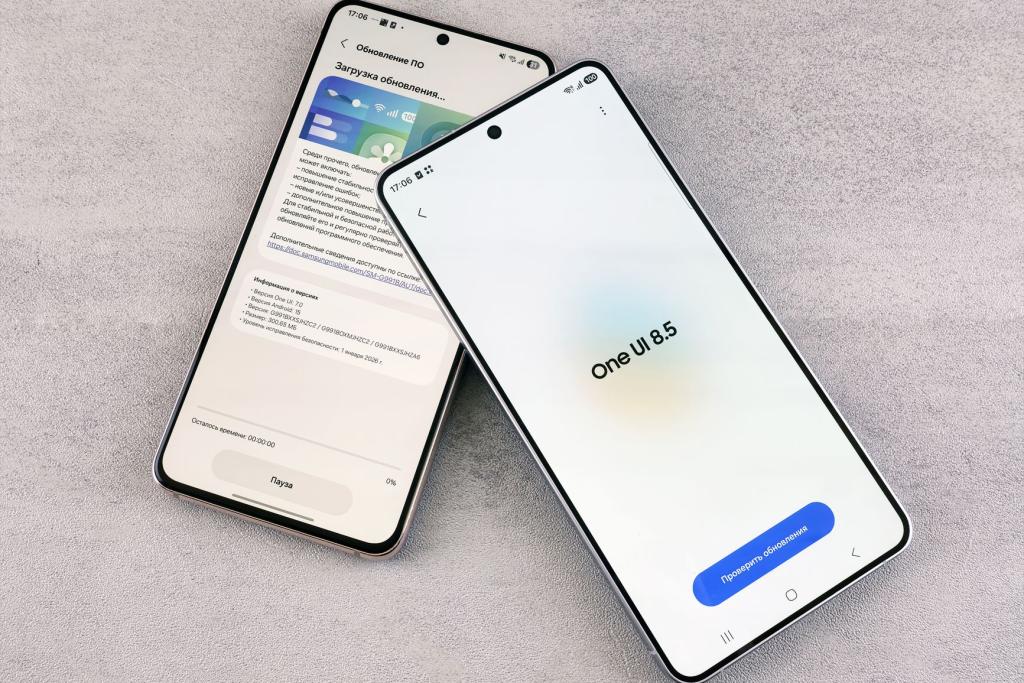
Apple just dropped a security patch you should not snooze on. The company released iOS 26.7.1 to fix a serious graphics bug that may have already been used in real-world attacks against a small number of targeted iPhone users. If you are still on iOS 26, this is one of those updates that is genuinely worth installing tonight.
The flaw lives in CoreGraphics, the framework Apple uses to draw images, render text, and handle visual content across iOS, iPadOS, and macOS. According to coverage of Apple's security advisory, the vulnerability could let an attacker run arbitrary code after a device processes a maliciously crafted file. Apple says it is aware of a report that the issue may have been exploited in an "extremely sophisticated attack" aimed at specific individuals using iOS versions before iOS 27.
What happened
The vulnerability is tracked as CVE-2026-86950 and is described as an out-of-bounds write in CoreGraphics. In plain language, the software could write data outside the memory area it was supposed to use. That kind of memory mistake can corrupt the device's internal state, and a skilled attacker may be able to turn it into a way to execute their own code on the phone.
The issue was reported by Meta Product Security, which Apple credited for discovering and reporting the bug. Apple fixed it with improved bounds checking, basically adding stricter guardrails so the framework cannot be tricked into writing where it should not. The company has not said what file type was used, how the malicious file reached victims, or how many people were targeted. It also has not confirmed whether every reported attack succeeded.
This was not a mass malware situation. Apple's wording points to a narrow, high-effort operation against specific people rather than a widespread campaign hitting random users. Still, once a vulnerability becomes public, other attackers can study the patch and try to build their own exploits, which is why Apple is pushing users to update quickly.
Who is affected
The iOS 26.7.1 security update applies to iPhone 11 and later running the iOS 26 branch. The same fix also shipped as iPadOS 26.7.1 for supported iPad models, including iPad Pro 12.9-inch 3rd generation and later, iPad Pro 11-inch 1st generation and later, iPad Air 3rd generation and later, iPad 8th generation and later, and iPad mini 5th generation and later. On the Mac side, Apple released macOS Tahoe 26.7.1 and macOS Sequoia 15.8.1 with the same CoreGraphics fix.
Importantly, Apple said the reported exploitation involved versions of iOS before iOS 27. Devices already running the newer iOS 27 release do not appear to be affected by this issue. If you are on iOS 26 and have been delaying updates, though, you are in the group that should act now.
There is no public indication in Apple's advisories that the flaw was exploited against iPads or Macs, but Apple patched them anyway because CoreGraphics is shared across its platforms. That is standard practice for a framework-level bug: fix it everywhere it could theoretically be triggered.
Why you should update now
Targeted attacks usually go after people with access to sensitive information, but the patch itself is relevant to everyone on the affected versions. A graphics-rendering bug is especially risky because images and files can be processed automatically in previews, messages, email attachments, or web content. You do not always have to tap something sketchy for a malicious file to reach your device.
Security researchers also warn that the window between disclosure and patching is when copycat attacks can appear. Before the update, only the original attackers may have known how to exploit the bug. After the update, the fix itself can give clues to other hackers, so unpatched phones become easier targets over time.
The good news is that installing the update closes the hole. Apple's fix adds better bounds checking, and staying current is one of the simplest ways to protect your messages, photos, banking apps, and logins from memory-corruption exploits. For more context on today's tech headlines, see this tech and science news roundup for September 29, 2026.
How to install the iOS 26.7.1 security update
Updating takes only a few minutes. Open Settings, tap General, then tap Software Update. If iOS 26.7.1 is available, tap Download and Install, enter your passcode if asked, and keep your phone connected to power and Wi-Fi until it finishes. Your iPhone will restart during the process, so do it when you do not need your phone for calls or two-factor codes.
After the restart, go back to Settings, then General, then About, and check that the version number shows the new release. You can also turn on Automatic Updates so future security fixes install overnight. If you manage devices for family members who are less tech-savvy, this is a good moment to check their phones too.
Bottom line: this is not a flashy feature update, but it is an important one. The iOS 26.7.1 security update patches a vulnerability tied to sophisticated targeted attacks, and Apple is clearly telling users on iOS 26 not to wait. Update tonight, then get back to your regularly scheduled scrolling.
Comments 0
No comments yet. Be the first to share your thoughts!
Leave a comment
Share your thoughts. Your email will not be published.