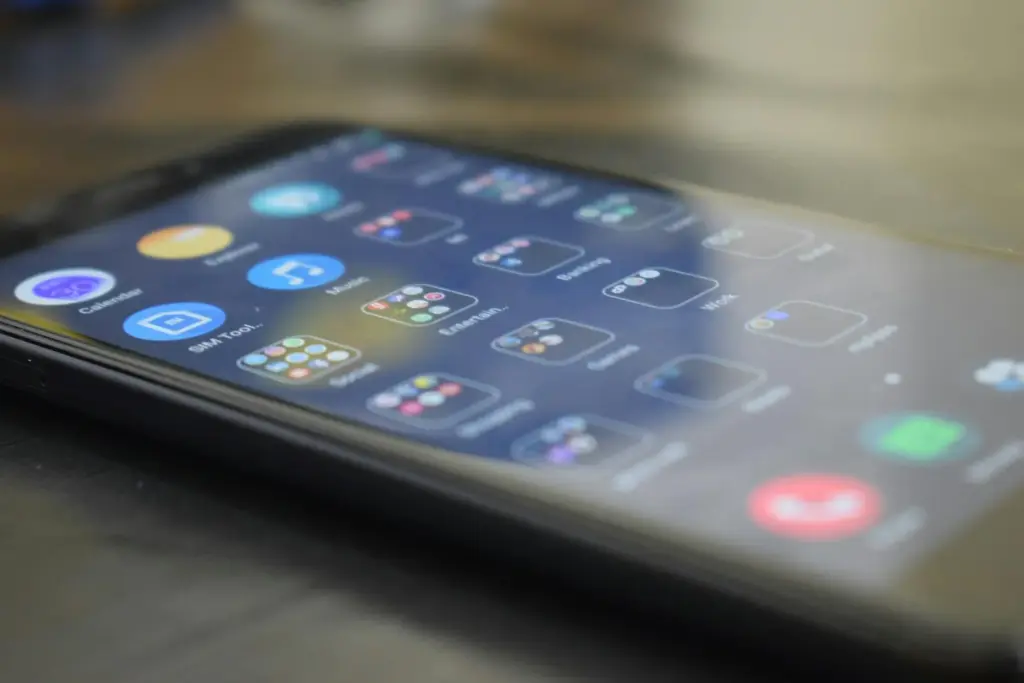
Phone use turns into a control problem when the device stops feeling like a tool and starts behaving like a slot machine. Endless feeds, notification bundles and algorithmic recommendations are designed to keep attention circulating, which is why many people know they are wasting time and still keep checking. Digital wellbeing apps matter because they introduce friction back into a system that usually removes it. The best tools do not magically create discipline, but they make habits visible and make limits harder to ignore.
According to the U.S. Surgeon General's advisory on social media and youth mental health, there is not enough evidence to say current social media use is sufficiently safe for children and adolescents, and the report points to immediate steps that can reduce harm. That framing matters for adults too, because the same product mechanics that drive compulsive checking in younger users also shape how older users lose focus, sleep and emotional control around their phones.
Why screen-time tools matter in the first place
Most people do not need proof that they pick up their phone more often than they intended. What they need is a way to see the pattern clearly enough to interrupt it. Digital wellbeing apps help because they surface the actual count of pickups, minutes spent in specific apps and the size of the notification load that keeps pulling attention back. Once those numbers are visible, it becomes harder to pretend the problem is only a vague feeling of distraction.
That visibility is important because compulsive phone use is often driven by uncertainty and intermittent rewards. The next notification might matter, the next refresh might be interesting, and the next video might feel useful even if the last ten were not. A limit, timer or scheduled downtime is not impressive on its own, but it changes the environment from constant access to deliberate access.
Apple and Android already include stronger controls than many users realize
Apple's Screen Time documentation shows that iPhone users can track total usage, monitor pickups, set app limits and schedule downtime across devices. On Android, Digital Wellbeing offers a similar package, including app timers, screen-time summaries, focus modes and bedtime controls. These tools are not hidden experiments anymore; they are native parts of the operating systems that most people already use.
The practical value is not in having every setting turned on at once. It is in choosing the specific point where use goes off the rails. Some people need notification control, others need hard caps on one app, and others do better with scheduled downtime that shuts off the habit during late-night hours. Digital wellbeing apps work best when the limit matches the actual failure point rather than a generic goal like "use the phone less."
Good limits are specific, realistic and hard to bypass casually
A timer set so low that it is dismissed every day becomes theatre. A better limit usually starts with an honest baseline. If a user spends three hours a day inside one app, dropping the cap to ninety minutes is more realistic than pretending the habit will disappear overnight. Digital wellbeing apps help most when they are used as part of a reduction plan, not as a purity test that fails the first time the passcode gets entered again.
It also helps to combine limits with layout changes. Turning off nonessential notifications, removing the most compulsive app from the home screen and charging the phone outside the bed area all make the software controls more effective. The operating-system tool is strongest when it is reinforcing a physical routine, not fighting against one.
Apps help, but they do not replace a broader attention reset
The reason people feel "gaslit" by their phones is not that the devices are neutral and users are weak. The products are optimized to keep attention in motion. That is why digital wellbeing apps should be viewed as a defensive layer, not as a complete solution. They can create friction, reduce notifications and make behavior measurable, but they cannot decide what a person wants their time to be used for instead.
For readers trying to regain control, the practical sequence is simple: review the data, turn off low-value notifications, set realistic app timers, schedule downtime for the worst hours and pair those limits with offline routines that can actually replace the reflex to check. The phone will keep competing for attention. Digital wellbeing apps just make it easier for the user to compete back on fairer terms.
Comments 0
No comments yet. Be the first to share your thoughts!
Leave a comment
Share your thoughts. Your email will not be published.